
Compare the best studio monitors for vocalists: four home-studio picks, setup tips, and Amazon buying links to help you choose.
If your vocal sounds clear while you are mixing but gets lost when you play the song elsewhere, your listening setup deserves a closer look. A useful monitoring setup helps you judge the voice alongside the rest of the song, from quiet verses to layered choruses.
Affiliate disclosure: This post contains Amazon affiliate links. If you purchase through one, I may earn a commission at no extra cost to you. As an Amazon Associate I earn from qualifying purchases.
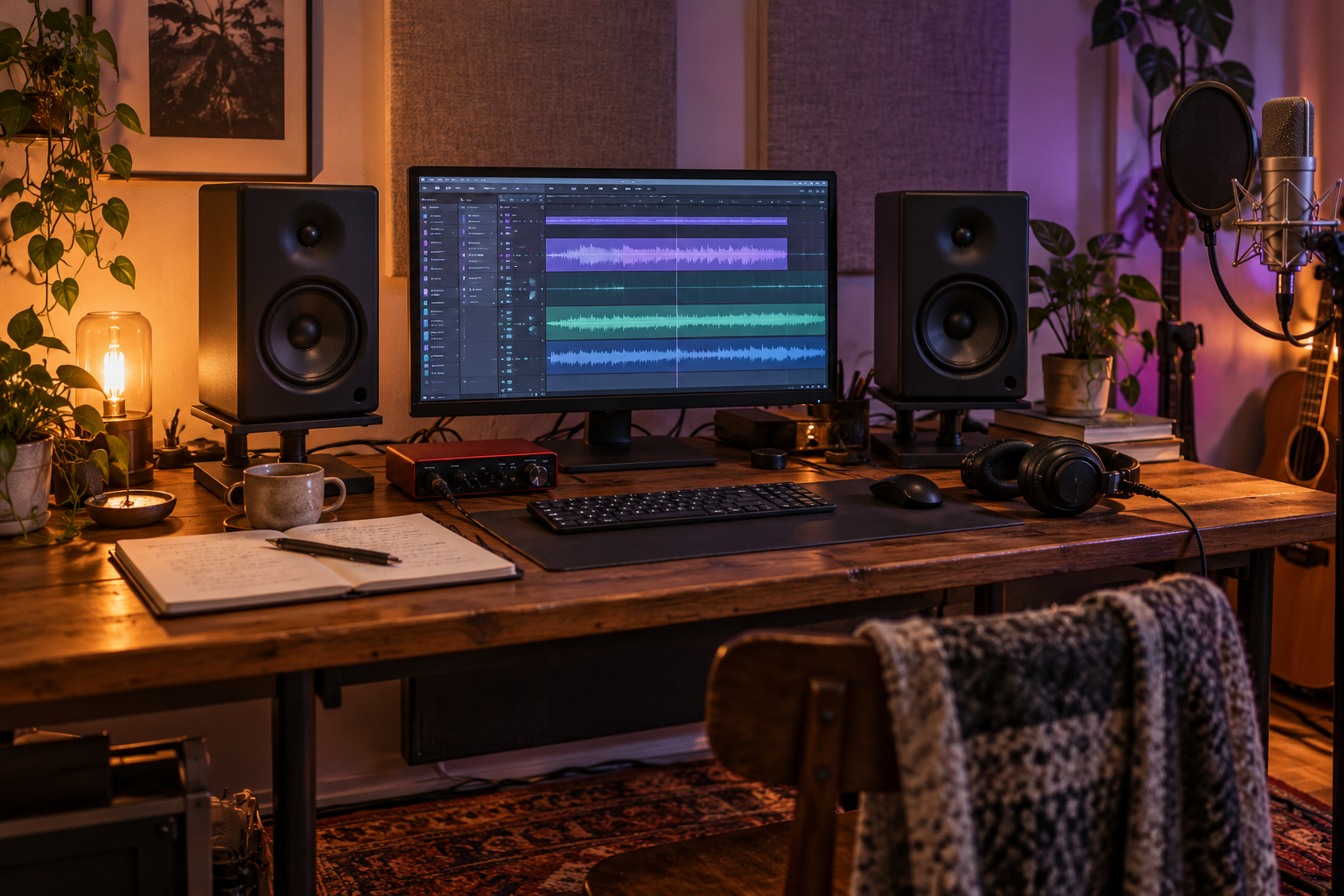
Original AI-generated studio illustration. The equipment shown is illustrative.
As N!CØLE, I write, sing, and produce my own music, so a guide like this needs to answer a practical question: what will help you make better decisions about the vocal? I selected these four options using manufacturer specifications, connection requirements, and the space they need. This is a research-based buying guide.
My starting recommendation: compare a pair of JBL 305P MkII monitors if you have room for a dedicated mixing setup. For a small desk and a limited starting budget, consider the PreSonus Eris 3.5 2nd Gen pair. The Yamaha HS5 and ADAM Audio T5V are useful alternatives with different controls and cabinet sizes.
Best studio monitors for vocalists at a glance
| Monitor | Who should compare it | Connections and buying note |
|---|---|---|
|
JBL 305P MkII 5-inch woofer |
A dedicated home mixing setup; my first comparison for general vocal production | Balanced XLR and 1/4-inch TRS. The linked listing is one speaker; you need two for a stereo pair. |
|
Yamaha HS5 5-inch woofer |
A workspace where a shallower cabinet and room-response switches are priorities | Balanced XLR and 1/4-inch TRS. Check whether your selected offer includes one speaker or a pair. |
|
ADAM Audio T5V 5-inch woofer |
A setup with space for its deeper cabinet, using its U-ART tweeter and adjustable shelf EQ | Balanced XLR or unbalanced RCA. Check quantity; it has no 1/4-inch TRS input. |
|
PreSonus Eris 3.5 2nd Gen 3.5-inch woofer |
A compact desk for songwriting, editing, and a first speaker setup | Balanced 1/4-inch TRS, RCA, and 3.5 mm stereo input. Sold as a pair. |
Compare the complete setup cost: include two speakers where needed, suitable cables, and supports. Check the selected model, quantity, seller, condition, and return terms on Amazon before ordering. Prices and availability can change.
What vocalists actually need from studio monitors
Your voice occupies more than one part of the frequency spectrum. A useful listening setup lets you work on the body of a lower phrase, the presence that makes words understandable, and the brighter sounds in consonants and breath.
Listen for decisions you can act on: is the lead vocal buried by guitars or synths? Are some words suddenly too loud? Does the reverb blur the lyric? Do doubles and harmonies distract from the lead? Monitors help you assess those relationships, but buying speakers alone does not fix the recording or the mix.
Use headphones while recording vocals. Turn down or mute the speakers when your microphone is live. Otherwise, it can capture your backing track or click, and live monitoring through speakers can create feedback. Closed-back headphones help limit sound leakage. Speakers become useful when you are editing and mixing the recorded performance. Shure explains the recording-versus-playback distinction here.
1. JBL 305P MkII: my starting pick for a dedicated mixing setup
The JBL 305P MkII combines a 5-inch woofer with the company's Image Control Waveguide, balanced XLR and TRS inputs, Boundary EQ, and high-frequency trim. JBL describes the waveguide as providing a broad listening sweet spot. Those features make it a sensible first comparison when you are putting together a stereo monitoring system for vocals and instruments.
Why consider it: the connection options work with many audio interfaces, while the rear-panel controls give you some adjustment for placement. My recommendation is based on that practical feature set; the sound you hear will still depend on your room.
Check before buying: the linked Amazon listing is a single speaker. For stereo mixing, order two matching units or choose a clearly labeled pair. Leave space for the cabinets, rear connections, and placement recommended in the manual. Boundary EQ cannot fully correct room reflections.
JBL specifications and features
2. Yamaha HS5: a useful option when cabinet depth matters
The Yamaha HS5 is a powered monitor with a 5-inch woofer, a 1-inch dome tweeter, balanced XLR and TRS inputs, and ROOM CONTROL and HIGH TRIM switches. Its cabinet is approximately 8.7 inches deep, compared with the T5V's approximately 11.7 inches. That makes it worth comparing when desk depth is tight, although you still need room for cables and sensible speaker placement.
Why consider it: straightforward connections and response controls suit a vocalist building a consistent listening position. Yamaha lists its frequency range as 54 Hz to 30 kHz at -10 dB; that specification does not mean the response is flat across that entire range.
Check before buying: verify speaker quantity and color in your selected listing. If your songs rely on very deep kick or bass, use an additional listening reference to check the lowest notes. That applies especially when you are balancing vocals against a bass-heavy arrangement.
Yamaha HS-series specifications
3. ADAM Audio T5V: compare it for its U-ART tweeter and EQ controls
The T5V uses a 5-inch woofer, ADAM's U-ART tweeter, a rear bass-reflex port, and adjustable high- and low-shelf EQ. Its inputs are balanced XLR and unbalanced RCA. ADAM publishes a 45 Hz to 25 kHz frequency response at -6 dB, which uses a different tolerance from Yamaha's quoted range; those numbers alone cannot rank the speakers' accuracy.
Why consider it: if you want to audition another monitor design for vocal detail, harmonies, and effects, the T5V belongs on your shortlist. Bring familiar tracks when auditioning and compare at similar listening levels.
Check before buying: the cabinet is about 11.7 inches deep. Measure your desk or stands and allow room around the rear port and cables. A Scarlett-style interface with TRS outputs can connect using balanced 1/4-inch TRS-to-XLR male cables; ordinary TRS-to-TRS cables will not fit the T5V's inputs. Verify whether the offer includes one speaker or two.
4. PreSonus Eris 3.5 2nd Gen: a compact first pair
The Eris 3.5 2nd Gen comes as a pair and uses 3.5-inch woofers. It has balanced TRS inputs, RCA inputs, a front 3.5 mm stereo input, a front headphone socket, and high- and low-frequency tuning controls. Each cabinet is approximately 5.6 inches wide, 8.3 inches tall, and 6.5 inches deep.
Why consider it: this is a practical option for a small songwriting desk, editing vocals, and adding speaker playback to a beginner setup. You get two speakers in the standard package, which makes the purchase easier to compare.
Understand the limit: PreSonus lists an 80 Hz to 20 kHz response. I would use another reference for low-bass decisions, especially with hip-hop or country-rap tracks. For a primary mixing system with more demanding low-frequency needs, compare the larger monitors above and your room budget.
Check before buying: choose the Eris 3.5 2nd Gen model described here. The older E3.5 and Bluetooth versions are separate variants. Use wired connections for production work.
Buy the PreSonus Eris 3.5 Pair on Amazon
PreSonus Eris 3.5 2nd Gen specifications
How to set up studio monitors for vocal mixing
Speaker placement affects what you hear. Before spending more on monitors, give your current or new pair a consistent listening position:
- Keep the setup symmetrical. Place your seat between the speakers, with roughly equal distances from each speaker to your ears and between the speakers.
- Aim the speakers at your listening position. Keep the tweeters near seated ear height, or follow the manufacturer's instructions for angling them.
- Keep the sound path clear. Avoid a large screen or other objects blocking the drivers.
- Use stable supports. Appropriately rated stands or isolation pads can help with height and surface vibration.
- Experiment with placement and room controls. Avoid crowding a corner and follow the manual's guidance for wall clearance. Acoustic treatment addresses room reflections; pads and EQ switches have narrower jobs.
These steps follow ADAM's setup guidance and Yamaha's home-monitoring guide.
For a Scarlett 2i2 4th Gen: connect the rear left and right line outputs to the speakers. JBL, Yamaha, and Eris can use balanced TRS-to-TRS connections; the T5V needs TRS-to-XLR male for a balanced connection. Use the interface's main output control to set speaker listening level. Focusrite documents these outputs here.
A quick vocal check to try in your next mix
Choose a professionally released song with a similar vocal style and arrangement. Compare at roughly matched loudness, then play your own mix quietly enough that you can comfortably talk over it.
- Words: can you follow the lyric through the whole chorus?
- Balance: do guitars, keys, or cymbals cover the voice when the arrangement builds?
- Consistency: do quiet phrases disappear or loud words jump out?
- Effects: do reverb and delay support the vocal while leaving the words understandable?
Write down one change, make it, then compare again. Check the result on headphones or earbuds and another speaker system. If the lyric disappears, investigate vocal level, automation, competing instruments, or effects before assuming you need different speakers.
Frequently asked questions
What is the best studio monitor for a vocalist recording at home?
For a dedicated stereo mixing setup, I would start by comparing the JBL 305P MkII pair. For a compact first setup, the Eris 3.5 2nd Gen pair is worth considering. Your room, desk space, listening level, and complete budget determine which is the better fit.
Are studio monitors better than headphones for vocals?
Both have useful roles. Closed-back headphones are practical while recording; monitors help you hear the completed vocal with the arrangement in a room. Checking a mix on both gives you more than one perspective.
Do high female vocals need special studio monitors?
Choose a monitor for the full mix and your space. A high voice does not require a special speaker category. Listen for clear consonants, harshness, and vocal balance using recordings you know well.
Do I need a subwoofer?
You can begin without one, particularly for vocal-led acoustic arrangements. If you produce tracks with deep bass, you need a way to assess those frequencies. A subwoofer also needs suitable placement and integration; it is an additional decision, not an automatic first purchase.
Can monitors make my recorded voice sound better?
They can help you identify changes to make during mixing. The improvement comes from the recording and processing decisions you make with that information. Room acoustics and microphone technique still matter.
Choose the pair that fits your workspace
Have space for a dedicated mixing setup? Start with the JBL 305P MkII and compare its complete pair cost with the Yamaha HS5 and ADAM T5V. Need a compact first pair? Check the Eris 3.5 2nd Gen. Measure the available space and confirm the connections before you order.
Shop the Compact Eris 3.5 Pair on Amazon
Building the rest of your recording space? Read my home studio setup for singer-songwriters and my RØDE NT1 Signature Series review for female vocals.
I share my music and the creative process behind it here too. Listen to N!CØLE, or explore my first step into country rap.